


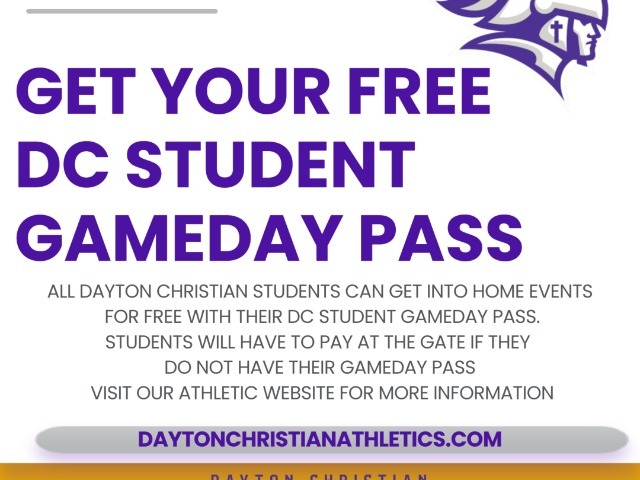
Student Athletic Passes
Dayton Christian students can obtain a free season pass by following ten simple steps. Each student will need their student season pass in order to enter all our home athletic events for free.
Ten step process to redeem an athletic season pass:
1. Go to the athletic website
2. Click ‘Tickets.'
3. Click ‘Have a Passcode’ at the bottom of the season pass options.
4. Enter your passcode (which is your student ID number).
5. After you apply the passcode, the 'Student Pass' option will be activated. Select this to redeem your pass.
6. Follow the steps to check out.
All passcodes are set for single transactions. If you have more than one season pass to redeem for a student, you will need to complete the process again.
7. All season passes are digital and will be emailed to you from Dayton Christian School Box Office. Your season pass is a PDF attachment in the email you will receive.
8. Take a screenshot of the season pass and save it to your phone to scan at the gate at home athletic events.
9. Cheer positively for both teams, coaches, officials, and all student-athletes.
10. Enjoy a snack at Zeke’s café; and enjoy the game!
Contact the athletic office if you have any questions!
We look forward to seeing all our students at our athletic events!
Composite
 at Botkins High School
at Botkins High School
at Botkins High School
 vs Cincinnati College Prep Academy
 vs Eaton Junior High
vs Eaton Junior High
vs Eaton Junior High
 at Northmont XC Invite (MS)
at Northmont XC Invite
at Cincinnati Spirit
at Brookville High School
at Brookville High School
at Northmont XC Invite (MS)
at Northmont XC Invite
at Cincinnati Spirit
at Brookville High School
at Brookville High School
 vs Cincinnati Country Day
370
vs Legacy Christian Academy
W 180 - 227
vs Cincinnati Country Day
370
vs Legacy Christian Academy
W 180 - 227
Today · 7:00 PM
Boys Soccer - Varsity
at Botkins High School
Today · 5:00 PM
Girls Soccer - Varsity
at Botkins High School
Today · 10:00 AM
Boys Football - JV
vs Cincinnati College Prep Academy
Today · 5:30 PM
Girls Volleyball - 7th Grade
vs Eaton Junior High
Today · 6:30 PM
Girls Volleyball - 8th Grade
vs Eaton Junior High
Today · 11:00 AM
Coed Cross Country - Middle School
at Northmont XC Invite (MS)
Today · 8:30 AM
Coed Cross Country - Varsity
at Northmont XC Invite
Today · 10:00 AM
Girls Soccer - JV
at Cincinnati Spirit
Oct. 5 · 5:30 PM
Girls Volleyball - JV
at Brookville High School
Oct. 5 · 7:00 PM
Girls Volleyball - Varsity
at Brookville High School
Aug. 10 · Final
Golf - Varsity
vs Cincinnati Country Day
370
Aug. 6 · Final
Golf - Varsity
vs Legacy Christian Academy
W 180 - 227